
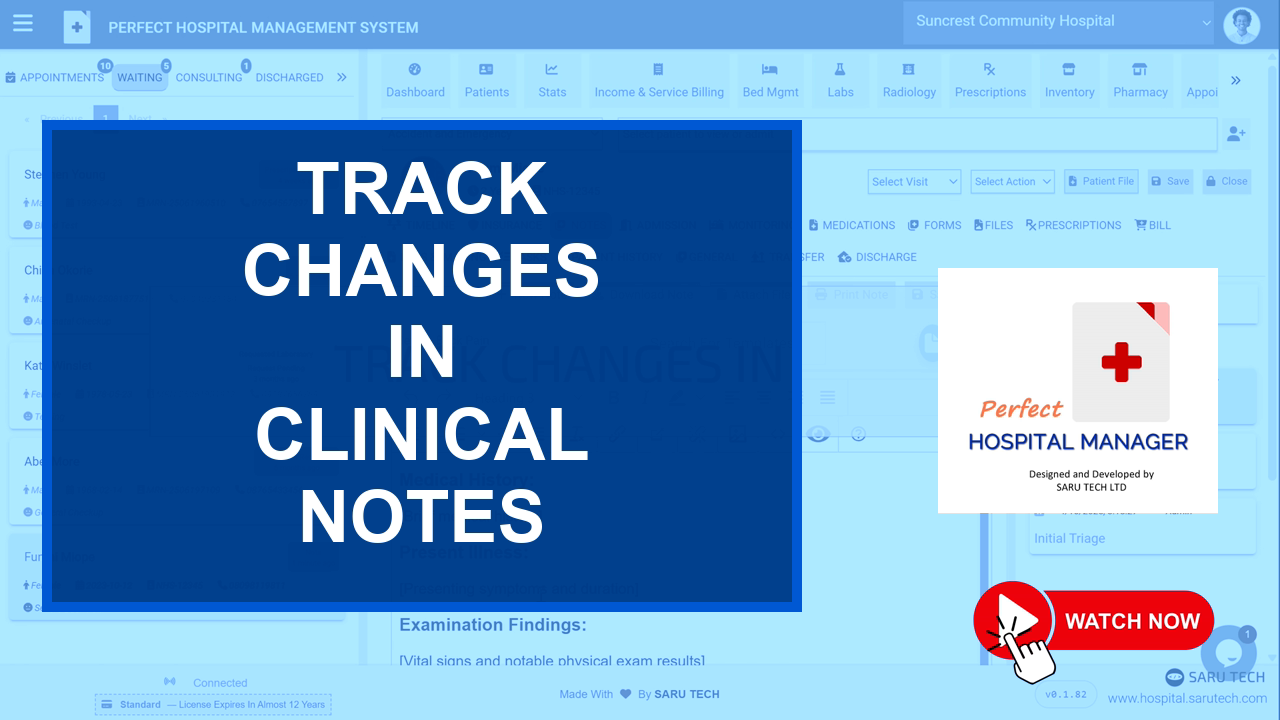
🎥 Tutorial guide
Track Changes in Clinical Notes
Tracked changes show what was added or removed from a note after it was originally saved.
🖊️ Editing a note
Open the existing note, make the required changes, and save it again. The system records the modification history automatically.
🔍 What the system tracks
- The user who made the change
- The exact time the change was made
- Text that was added
- Text that was removed
👁️ Viewing changes
- Click the Eye icon to show tracked changes.
- Review added and removed text.
- Hover over a change to see who made it and when.
- Click the Eye icon again to hide the tracked view.
🛡️ Accountability: Tracked changes protect clinical transparency without preventing necessary corrections.
🚀
Next step
Use the navigation below to continue through this tutorial series in the same order as the full demo.