
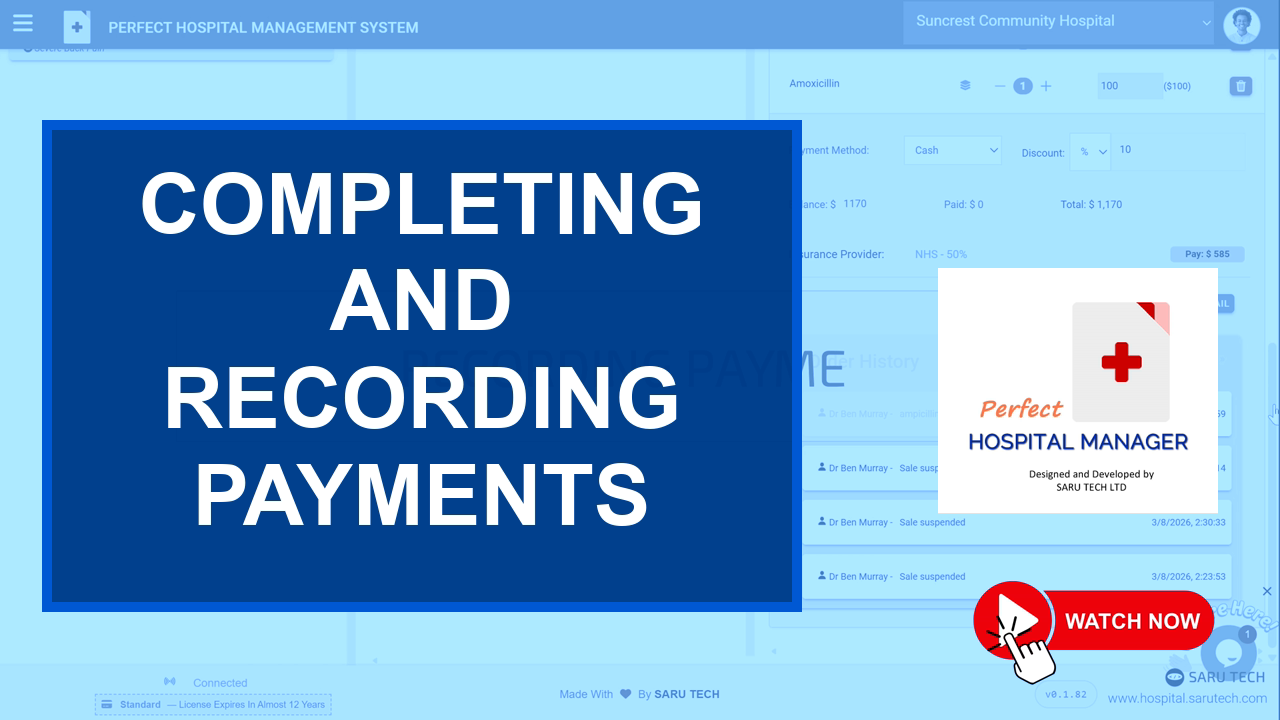
🎥 Tutorial guide
Completing and Recording Payments
Use checkout when the invoice has been reviewed and the patient or insurer payment details are ready to be recorded.
🧾 Review before checkout
- Total invoice amount
- Insurance-covered portion
- Amount payable by the patient
- Discounts or manual price changes
- Payment method and receipt details
💳 Payment methods
Select the appropriate payment method used by your hospital, such as cash, card, bank transfer, mobile money, online payment, or another configured option.
🖨️ After payment
Click Checkout to finalize the transaction. The system can then print or email the invoice so the patient and finance team have a clear receipt.
✅ Finance check: Do not finalize checkout until the payment amount, payer, and method match the money actually received.
🚀
Next step
Use the navigation below to continue through this tutorial series in the same order as the full demo.