
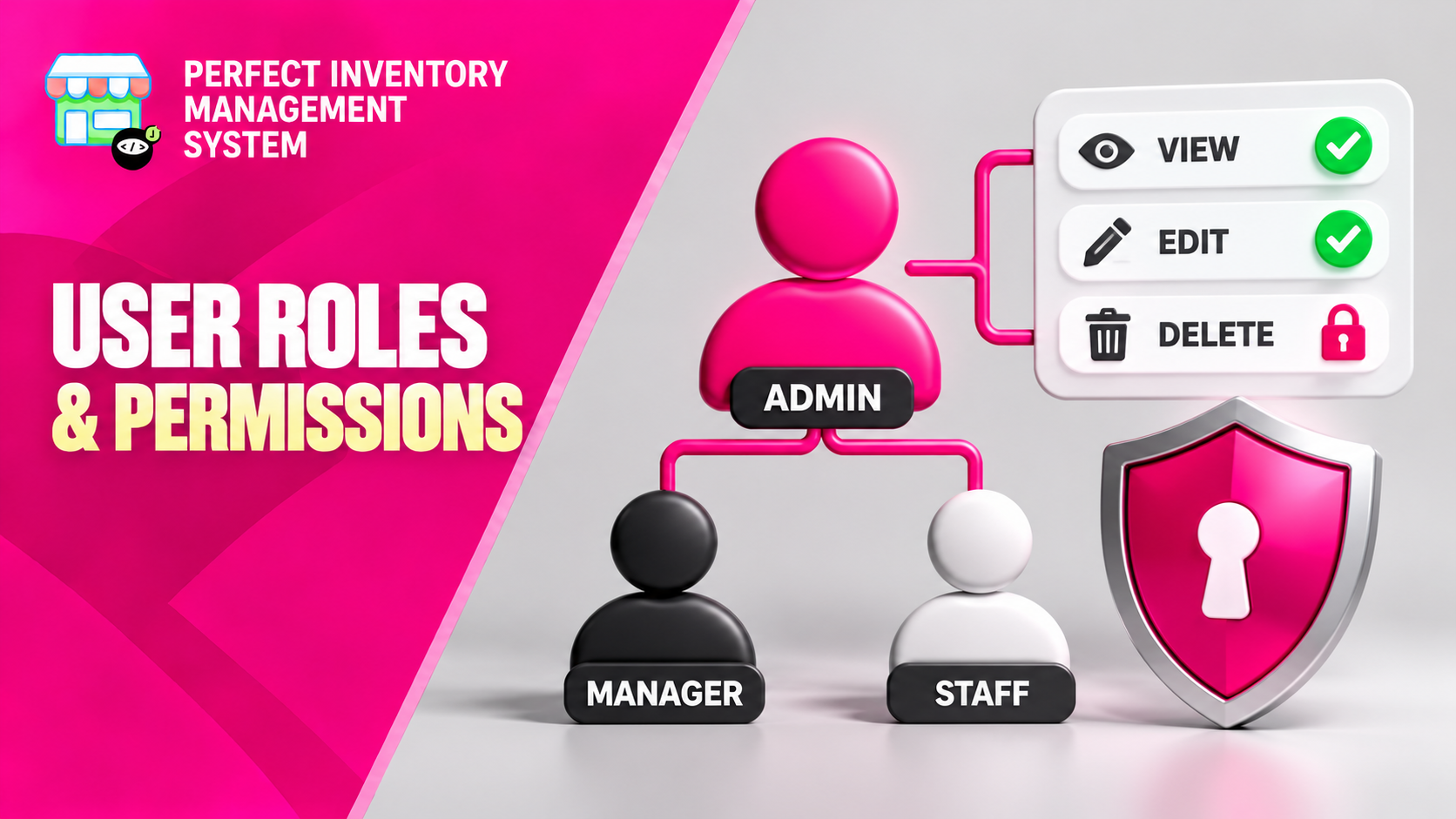
Give staff the inventory access they need for their responsibilities. Roles and permissions help separate routine operations from sensitive changes such as deleting products or changing prices.
Start with responsibilities, then choose permissions
Access should follow the tasks people actually perform. A warehouse colleague may need to dispense items or conduct stock audits, while a manager may also need to review pricing and correct records. Role settings let you allow appropriate operations and restrict others. Default store assignments also help users start in the correct location, but they should be reviewed alongside the actual permissions rather than treated as the whole access policy.
Step by step
List the work each role performs
Identify who receives stock, sells, dispenses, transfers, counts and reviews prices. Use real daily tasks as the basis for access decisions.
Configure the relevant permissions
Allow the operations needed for each role and restrict sensitive actions, including deletion and price changes, to the responsible staff.
Review store defaults
Set the appropriate default store for staff and check their intended working context, particularly when they serve multiple locations.
Check the resulting access
Review the experience for the role and confirm that needed actions are available. Revisit permissions when duties change or someone leaves a role.
Give each role enough access to do its work, then review sensitive permissions deliberately. Broad access can make accidental changes harder to prevent.
Before you move on
- Match permissions to actual responsibilities.
- Review deletion and price-change access explicitly.
- Recheck roles and defaults when staff responsibilities change.
Watch the matching video lesson
Open the short lesson on YouTube. If it is unavailable, watch this section in the full tutorial.
Put the workflow into practice
Explore Perfect Inventory Management System and use these guides alongside your team’s daily work.
Open InventoryExplore the product