
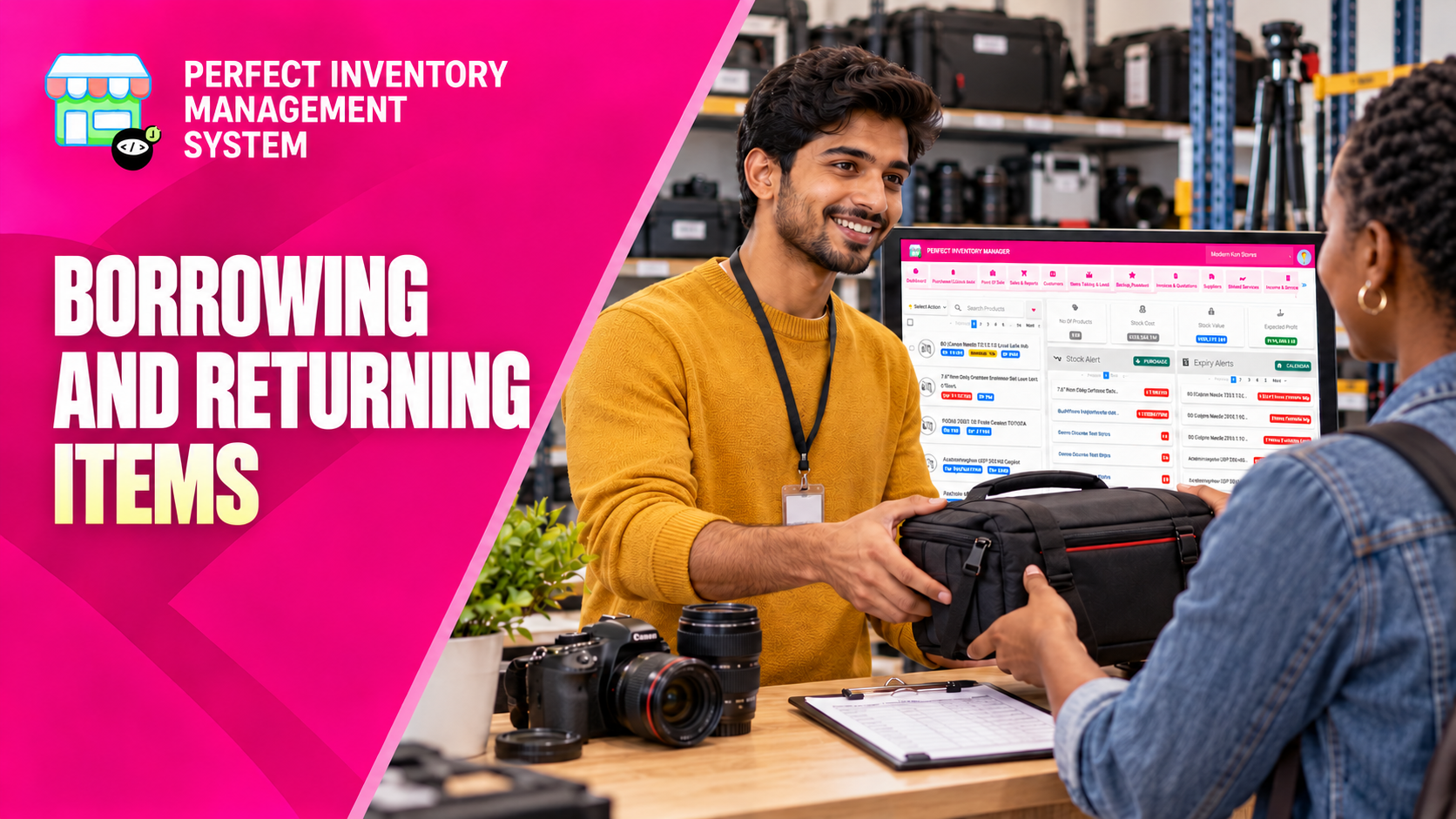
Track items issued temporarily and record what comes back. The borrowing workflow gives you a way to distinguish an outstanding loan from a completed return.
Keep each return connected to the original loan
Borrow Items records the customer and the items being lent. Return Borrowed Items lets you find that borrowing record and enter returned quantities. This matters when customers return only part of an order or make several returns over time. Review outstanding items through the borrowing records instead of treating a loan as an ordinary sale or a return as an unrelated new purchase.
Step by step
Record the borrower and items
Open Borrow Items, enter the customer details, choose the items and confirm the quantities being issued.
Review the loan record
Check that the customer and quantities match the physical handover so the outstanding record starts correctly.
Find the original borrowing
When goods come back, open Return Borrowed Items and select the matching borrowing record.
Enter the actual return
Use the return action to record the quantity received. Review what remains outstanding and follow up on items that have not yet been returned.
Record what physically came back. Closing a loan as fully returned when only part has arrived makes outstanding items harder to recover.
Use the loan history for follow-up
The borrowing records are useful after the handover: find loans for a person or item, review what has been returned and identify outstanding quantities. Work from the original borrowing record when processing a partial return so repeated hand-backs remain connected to one loan.
For a team equipment audit, compare the outstanding list with the physical items and speak to the borrower about discrepancies. Add a clear comment when an item is damaged or a return needs investigation. Printing or exporting a focused history can help with a handover, but the live record remains the current source.
- Example: 10 tools were lent. Four came back on Monday and six on Friday. Record both returns on the original loan; the outstanding balance then reaches zero.
Before you move on
- Match the customer and original borrowing record.
- Check the returned quantity before saving.
- Review the remaining outstanding items after each return.
Put the workflow into practice
Explore Perfect Inventory Management System and use these guides alongside your team’s daily work.
Open InventoryExplore the product