
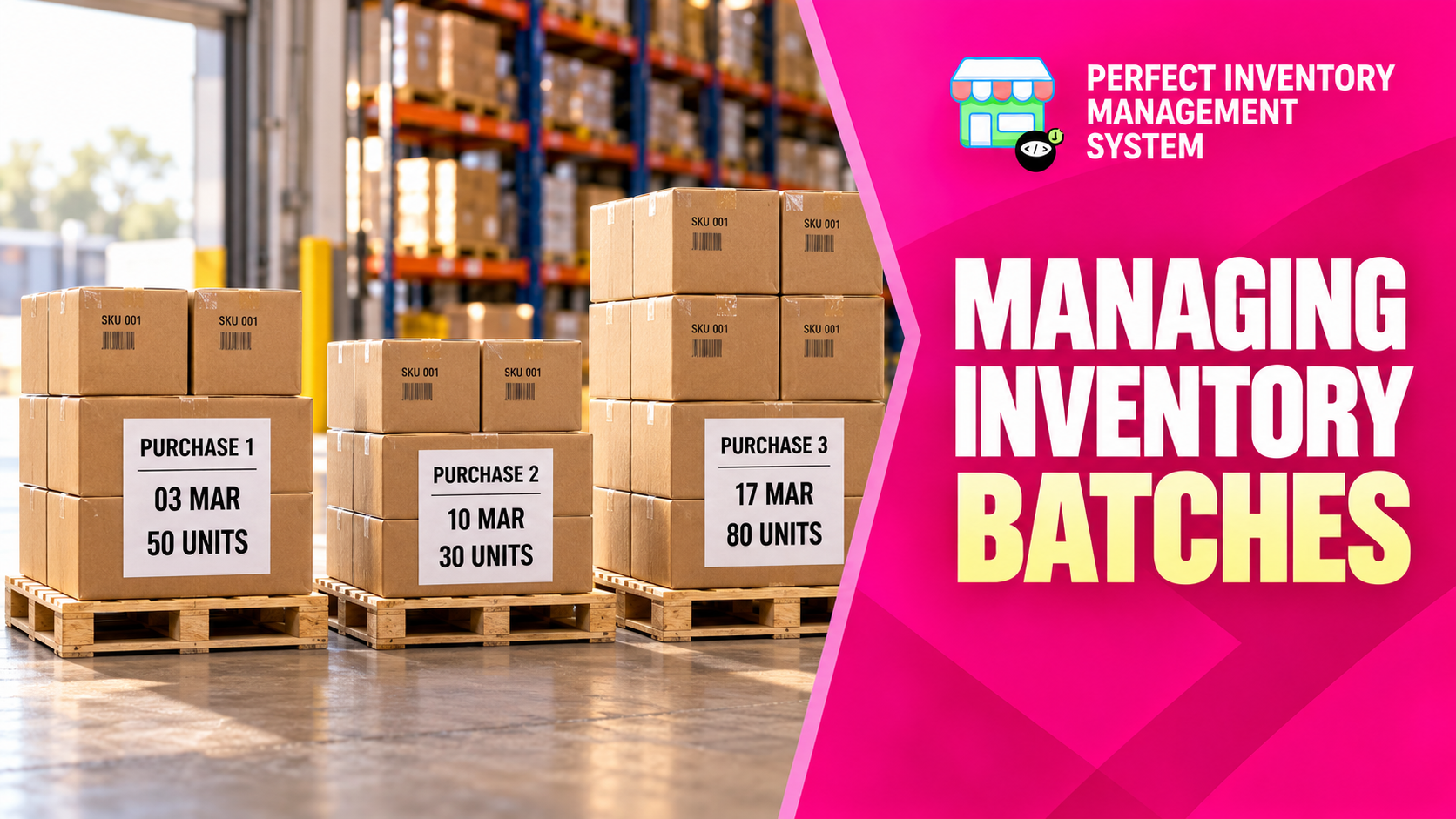
Understand inventory batches as separate purchase events for the same product. Each delivery retains its own quantity, cost, selling price, purchase date and expiry information, giving you a clearer picture of stock and profitability.
A new purchase creates a new batch
The batches section shows the deliveries behind a product’s stock. Adding quantity creates a new batch with the details entered for that receipt. The system normally uses first in, first out (FIFO) when dispensing or selling, so older purchase batches are used first. You can select a specific batch when needed. Keeping deliveries separate preserves changes in purchase cost and expiry rather than flattening them into one product-wide value.
Step by step
Review the purchase events
Open the product and inspect its batches. Compare purchase dates, remaining quantities, costs, selling prices, expiry dates and notes.
Record new deliveries correctly
Use Add Quantity or the purchase workflow for additional stock so the new receipt has its own batch.
Correct an existing batch when necessary
Choose Manage Batches to correct quantity, cost, selling price, date, expiry or notes. Check the physical stock or purchase document supporting the correction.
Save and review the history
Save changes and add an explanatory reason when adjusting quantity. Batch changes are recorded as a stock audit and appear in the product timeline.
Do not overwrite an older purchase to represent a new delivery. Use batch editing to correct that purchase event, and a new purchase to record incoming stock.
Before you move on
- Keep purchase dates, prices and expiry dates tied to the correct delivery.
- Review FIFO or choose the intended batch.
- Check the audit and timeline after corrections.
Watch the matching video lesson
Open the short lesson on YouTube. If it is unavailable, watch this section in the full tutorial.
Put the workflow into practice
Explore Perfect Inventory Management System and use these guides alongside your team’s daily work.
Open InventoryExplore the product