
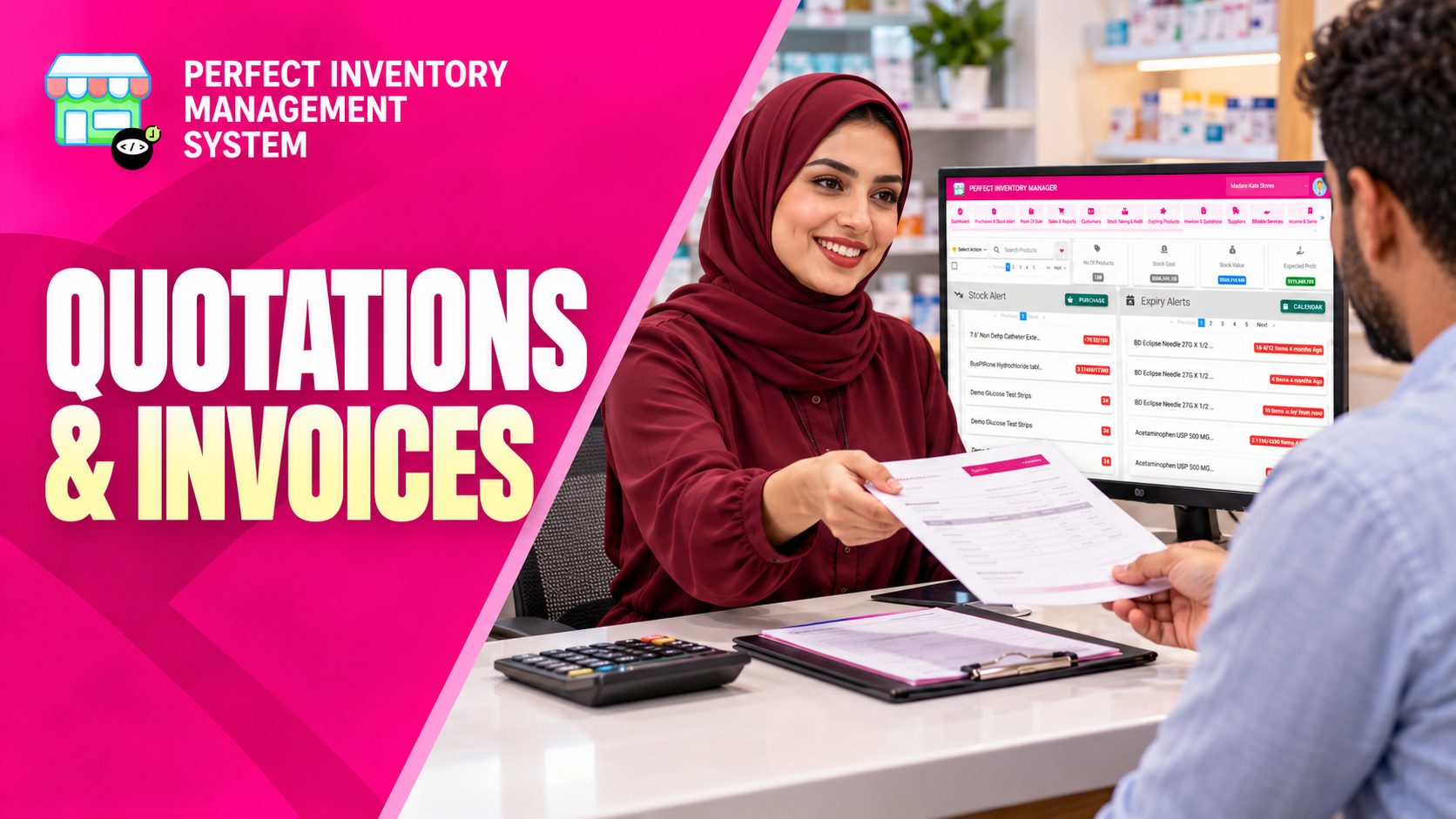
Prepare customer quotations, keep the offer details together and create an invoice when the quote is accepted. Linked records make it easier to follow an estimate through to the next stage of the transaction.
Build an offer that can be checked
A quotation contains customer information, products or services, quantities and prices. Discounts, taxes, payment details and notes help explain the proposed transaction. The quotation list supports searching and reviewing dates, customers, amounts and invoiced status. Creating an invoice from the quote keeps the two records connected, but creating that document should not be treated as evidence that payment has been received.
Step by step
Create the quotation
Choose New Quotation and select an existing customer or enter the required name and address details. Review the quotation identifier.
Add the offer lines
Select products or services, set quantities and review prices. Apply the appropriate fixed or percentage discount and tax settings.
Save and share the document
Add payment information or a link and any explanatory notes. Save, print or email the quotation as needed. Use duplication when preparing a similar offer, then check the copied details.
Create the linked invoice
Open the accepted quotation and choose Create Invoice. Review the appropriate Income or Expense mode and the resulting details. Use View Quotation and View Invoice to move between the records.
Review copied quotations before reuse. Customer details, prices and discounts may have changed since the original offer.
Before you move on
- Check the customer and quantities.
- Confirm discount and tax treatment in the displayed totals.
- Verify the linked invoice rather than assuming the quotation is already invoiced.
Watch the matching video lesson
Open the short lesson on YouTube. If it is unavailable, watch this section in the full tutorial.
Put the workflow into practice
Explore Perfect Inventory Management System and use these guides alongside your team’s daily work.
Open InventoryExplore the product