
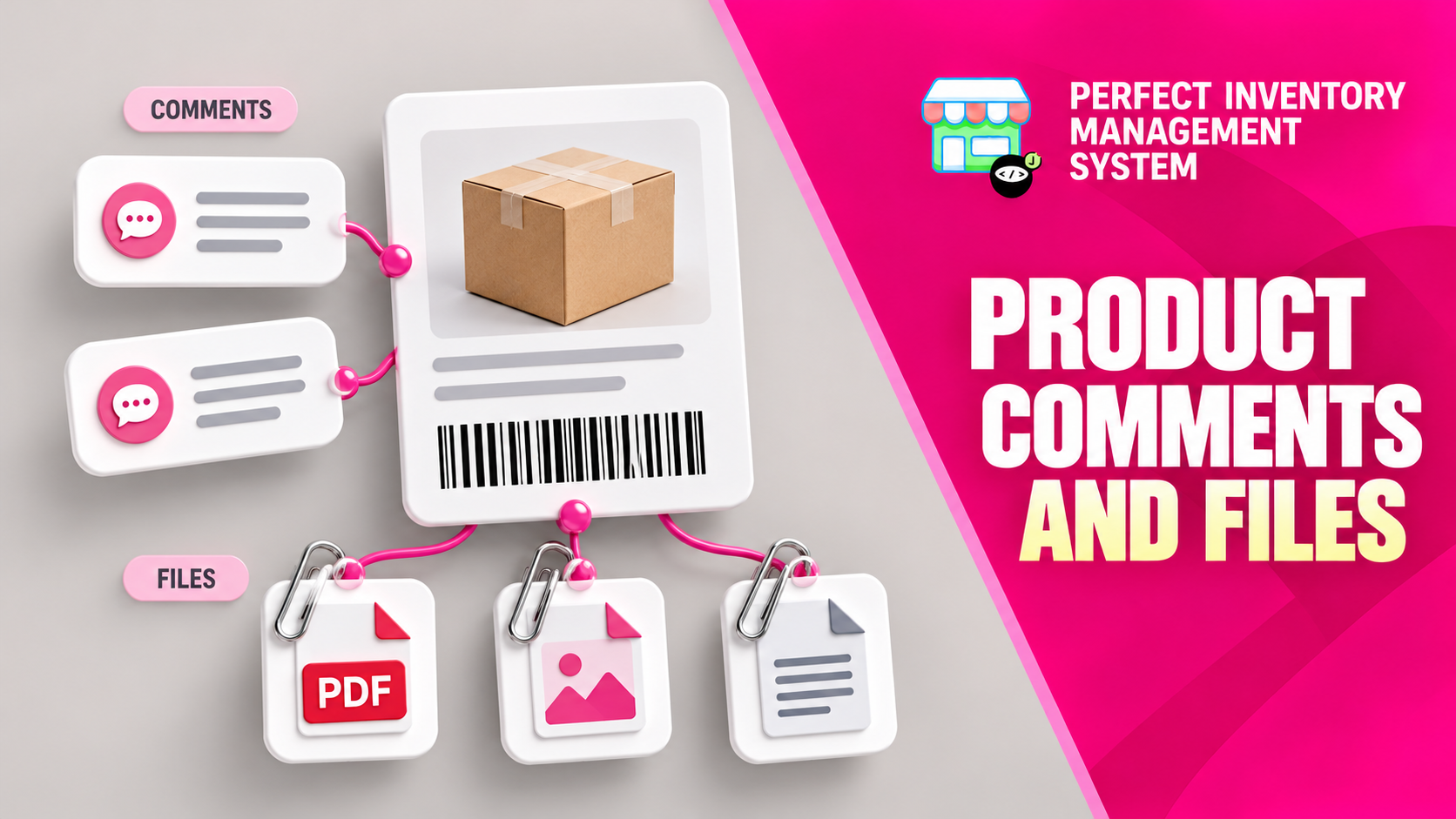
Keep product knowledge beside the inventory record. Comments hold useful notes, while Files provides a place for supporting documents that staff may need when handling, buying or reviewing the item.
Use notes for context and files for evidence
A product record becomes more useful when it includes the information that is otherwise scattered across messages and shared folders. Comments can describe handling instructions or supplier contacts. Files can hold specifications, safety data sheets, certificates or contracts. These additions support the inventory workflow, but a note is not a substitute for recording a purchase, transfer or stock adjustment.
Step by step
Open the product record
Confirm the product and variant so instructions are attached to the item they actually describe.
Add a useful comment
Use the Comments tab for concise information that another staff member can act on. State the context clearly and include a date in the note when its relevance depends on timing.
Attach supporting documents
Use Files to add the appropriate document. Choose a descriptive filename so staff can identify its purpose and version.
Review what staff will find
Reopen the comment or file and confirm it is readable and relevant. Review older instructions when supplier details or product specifications change.
Keep operational stock changes in their dedicated workflows. “Received 20 today” in a comment does not replace a purchase entry that updates quantity and batch history.
Before you move on
- Attach information to the correct product variant.
- Use concise comments and descriptive filenames.
- Check the document opens and remains current.
Watch the matching video lesson
Open the short lesson on YouTube. If it is unavailable, watch this section in the full tutorial.
Put the workflow into practice
Explore Perfect Inventory Management System and use these guides alongside your team’s daily work.
Open InventoryExplore the product