
🔧 How to Use Toolbar Actions on a Selected Property
The toolbar is your quick-access control panel for performing key actions on a selected property. These actions are context-sensitive and adapt based on whether a tenant and lease are linked to the property.
📋 Toolbar Actions Overview
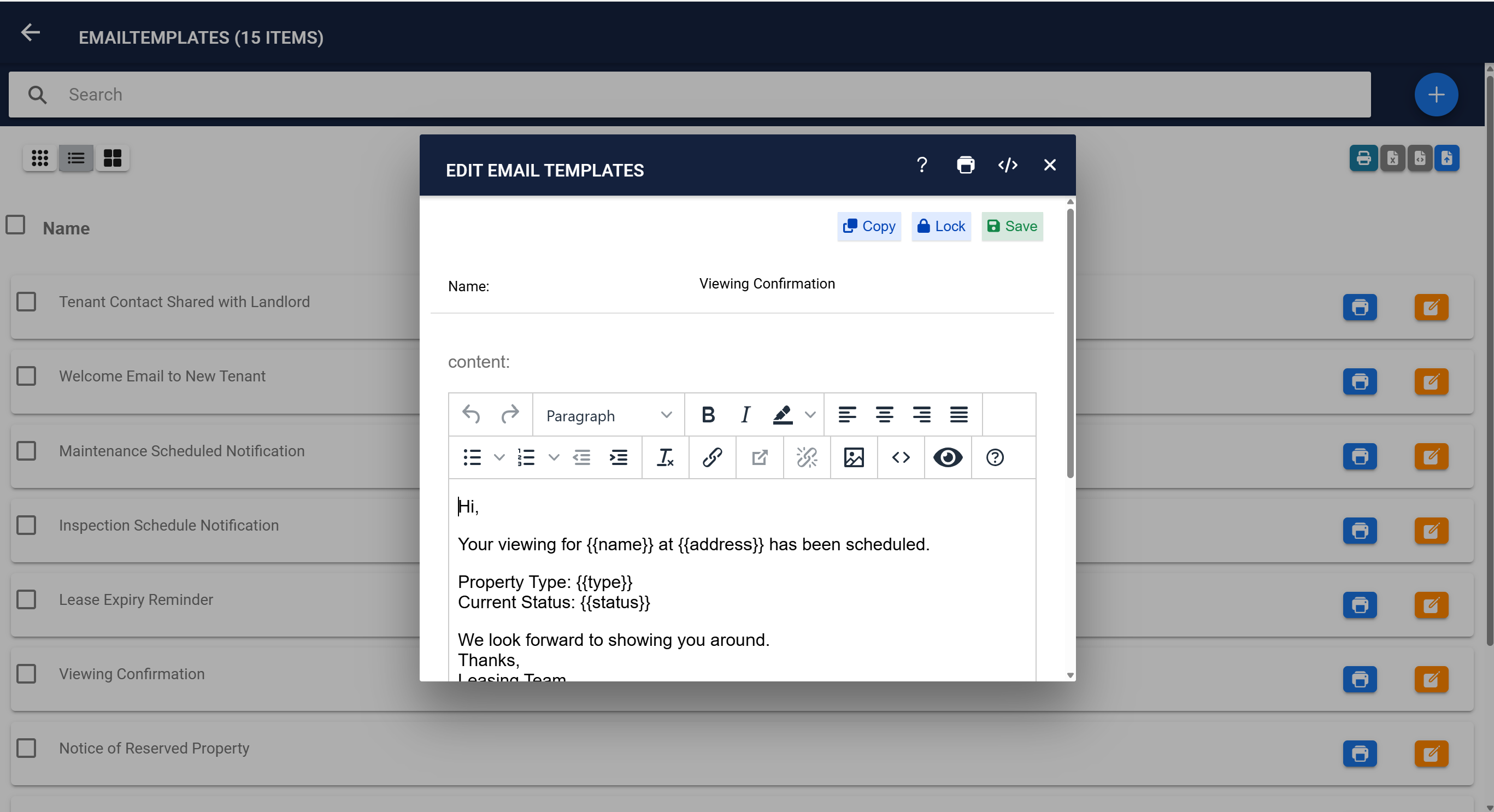
- Send Email – Use predefined email templates (e.g., Rent Reminder, Welcome Email).
- Send SMS – Send a text directly to the tenant’s mobile number.
- Add Maintenance – Log a new maintenance request for the property.
- Add Appointment – Schedule viewings, inspections, or meetings.
- New Bill – Create bills for rent, deposits, fines, or other charges.
- Pay Deposit – Record a deposit payment.
- Pay Rent – Record a rent payment.
- Add Expense – Add a new expense tied to the property.
- Add Task – Create a new to-do item.
- Terminate Lease – End the current lease.
- Save Changes – Save any edits made to the property record.
✅ Performing Actions
Click the relevant icon from the toolbar to open the action form. Fill in the required details and save to complete the operation.
💡 Tips
- Toolbar actions are only available after selecting a property.
- Ensure a tenant and lease are linked to use payment-related actions.
- Use email and SMS templates to save time and maintain consistency.