
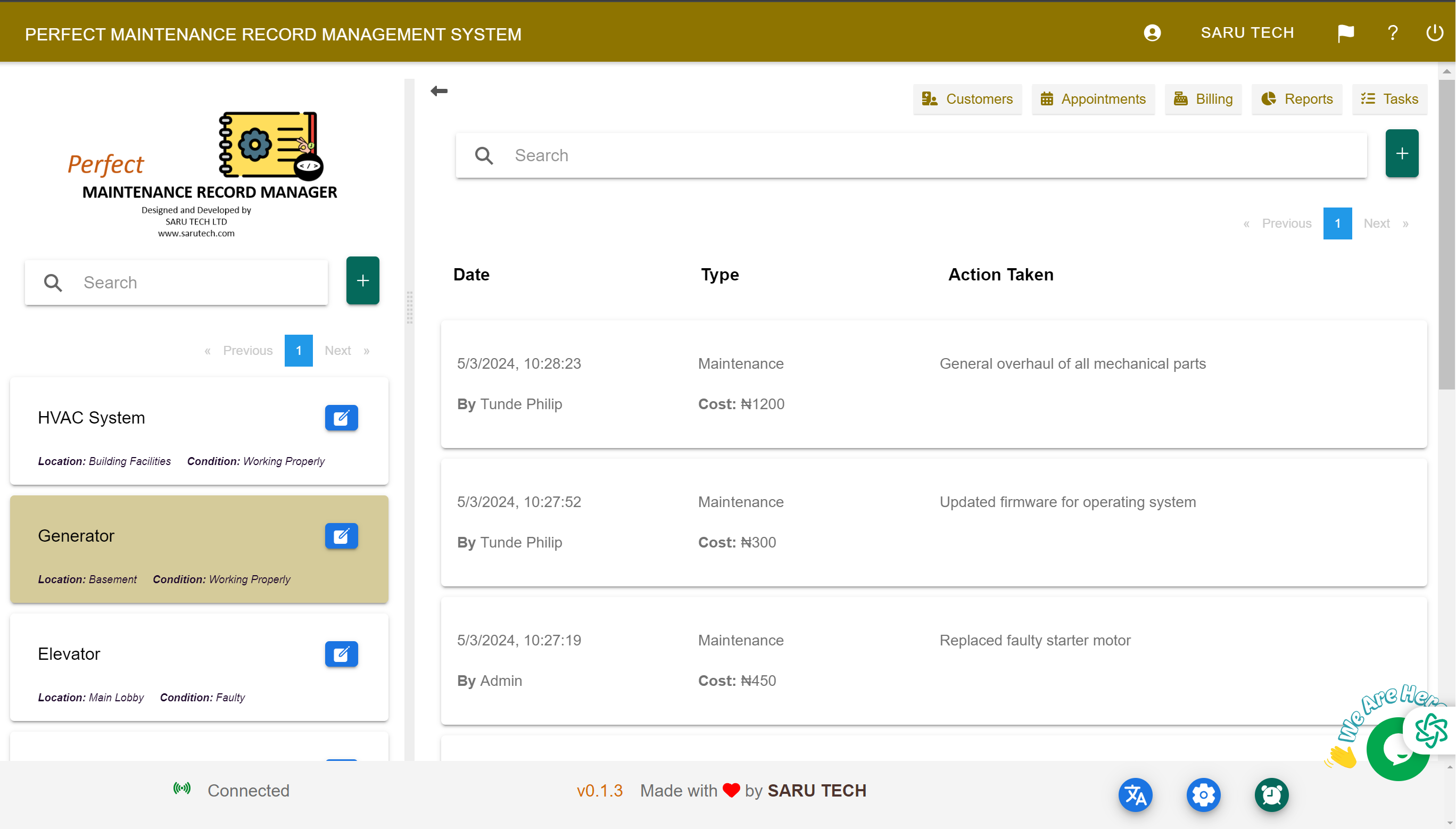
Filter operational and financial reports, compare trends, identify repeated problems, and turn maintenance records into better planning decisions.
Reports and charts turn the records created during daily work into useful operational and financial information.
Open and filter a report
- Open Reports from the main navigation.
- Choose the report or chart you want to review.
- Set the relevant date range.
- Use available filters to focus on a customer, facility, asset, status, or financial category.
- Review the results and adjust the filters when you need a different comparison.
Information you can review
Available reports may cover maintenance activity, income, expenses, sales, purchases, work status, and other records held by the system. Charts help compare periods and reveal changes that are difficult to see in individual jobs.
Repeated faultsFind assets or facilities generating frequent maintenance requests.
Outstanding workIdentify pending, overdue, or incomplete requests requiring attention.
Financial trendsCompare maintenance income, contractor expenses, sales, and unpaid balances.
Planning demandRecognise busy periods and prepare labour, contractors, and inventory.
Turn findings into action
- Increase preventive maintenance for assets with repeated breakdowns.
- Review replacement where repair costs continue to rise.
- Follow up unpaid invoices and investigate unusual contractor costs.
- Adjust stock levels for parts used frequently.
- Review response and completion processes when outstanding work grows.
Report quality depends on record quality: Accurate customers, assets, statuses, invoice modes, payments, and dates produce more reliable charts and decisions.