
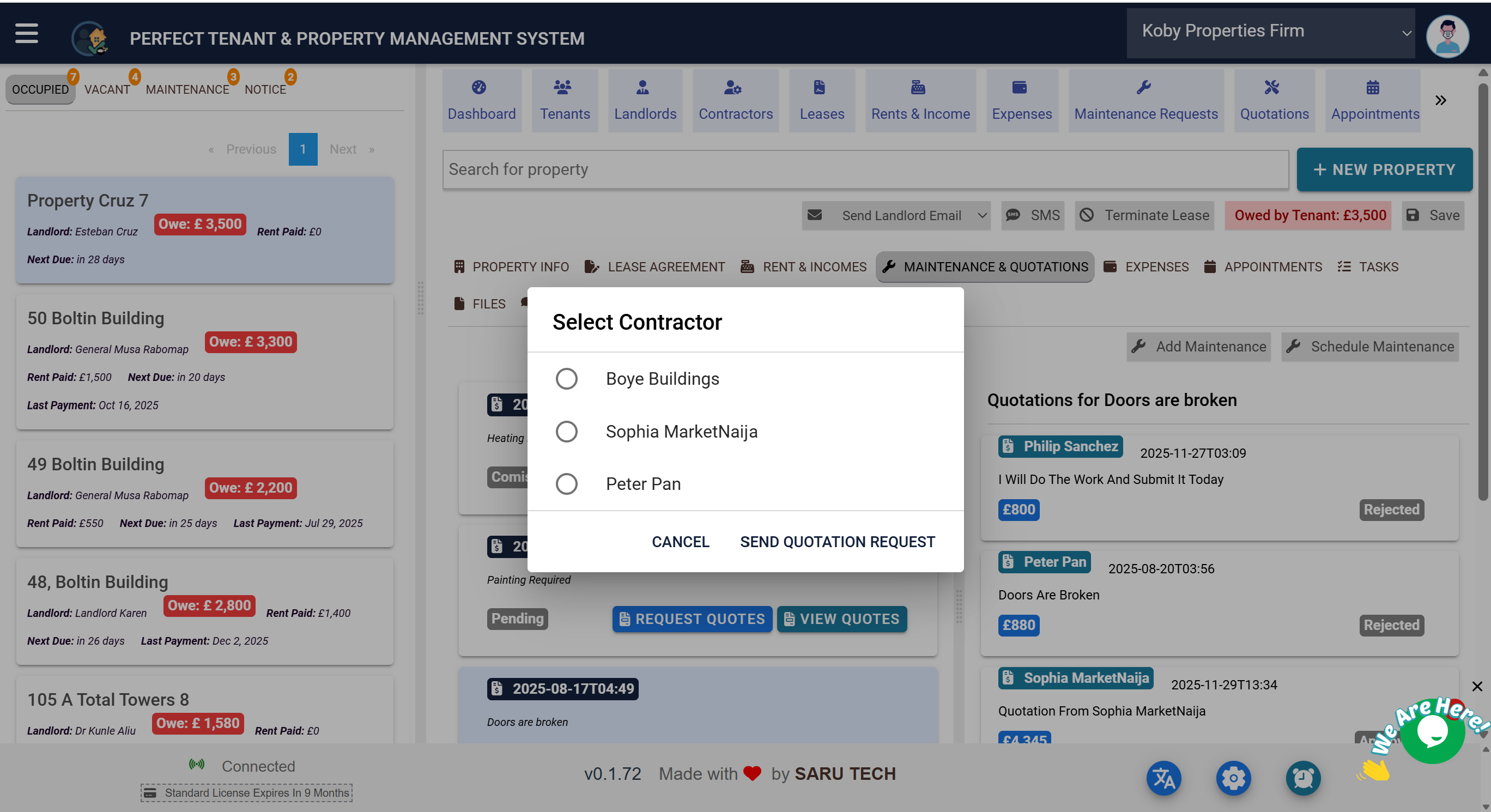
Show contractors how to review assigned work, submit prices, communicate, mark approved jobs complete, and raise invoices.
The Contractor Portal gives each invited contractor a focused place to manage the jobs and quotations assigned to them. Access begins with the secure link included in the quotation request email or SMS.
ReviewSee the maintenance request, your company details, and the quotation status.
QuoteAdd line items, quantities, prices, discounts, and tax while the quotation is pending.
CommunicateUse comments to ask questions and provide progress information.
CompleteConfirm finished work, enter completion notes, and raise an invoice where required.
Submit or update a quotation
- Open the portal link and locate the assigned maintenance request.
- Review the job description, related information, and current quotation status.
- While the quotation is pending, add or update quoted items, quantities, prices, discounts, and tax.
- Check the calculated total and save the quotation for the maintenance team to review.
Communicate about the job
Use the Comments section for questions, access arrangements, changes, delays, or important job updates. Keeping communication on the record helps both parties retain the same history.
Complete approved work
- Wait until the quotation has been approved before treating the quoted scope as authorised.
- Carry out the agreed work and return to the portal.
- Select Mark Job as Complete.
- Enter clear completion notes and confirm that the job is complete.
Raise an invoice
Where enabled, the contractor can raise an invoice from the approved quotation. The invoice uses the approved details and displays the amount due, payments, and outstanding balance.
Important: The portal only shows work made available to that contractor. Contractors should use the provided link and keep their contact information current with the maintenance organisation.