
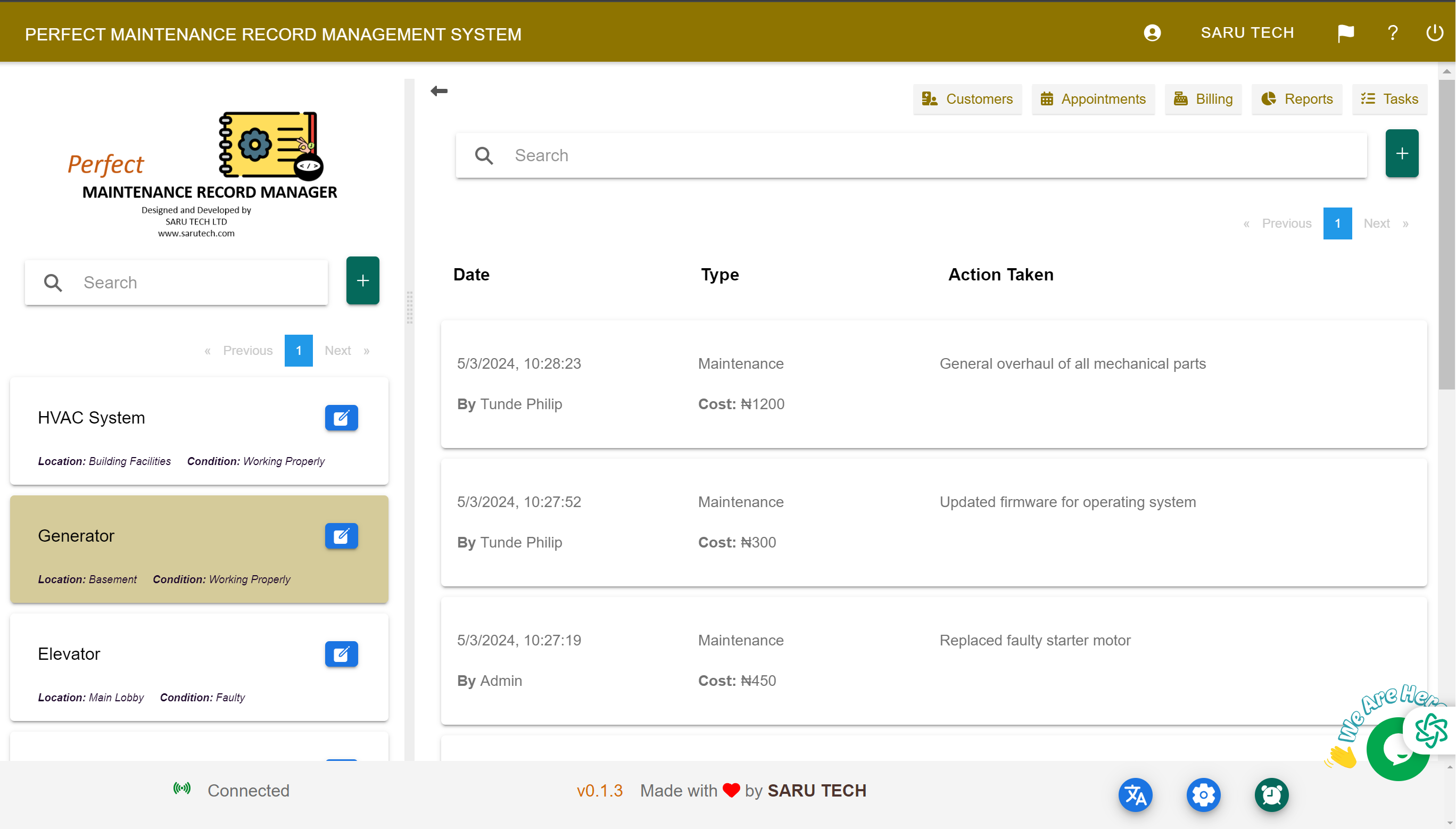
Give each client a dedicated place to submit maintenance requests, add evidence, follow progress, review invoices, and make online payments.
The Customer Portal gives clients direct access to the maintenance information made available for their account. It improves transparency and reduces the need for repeated calls or emails.
Submit a maintenance request
- Sign in to the dedicated Customer Portal using the account details provided.
- Choose the option to add a maintenance request.
- Select the relevant facility or asset when those choices are available.
- Describe the problem clearly and add images or files.
- Submit the request and return to the portal to follow its progress.
Track work and financial records
Customers can review maintenance updates, quotations, invoices, amounts paid, and outstanding balances that your organisation has made available. When online payments are configured, they can make a payment through the portal and review the updated status.
Manage portal-ready customer data
Staff should keep each customer's email and account information accurate, connect facilities and assets to the correct client, and update job statuses consistently. The portal is most useful when the underlying maintenance records are current.