
Record a fault with the right customer, facility, asset, priority, evidence, assignment, and status so the job can be followed to completion.
A maintenance request records a fault, breakdown, inspection need, repair, or other job requiring action. A clear request reduces delays and gives staff and contractors enough information to respond correctly.
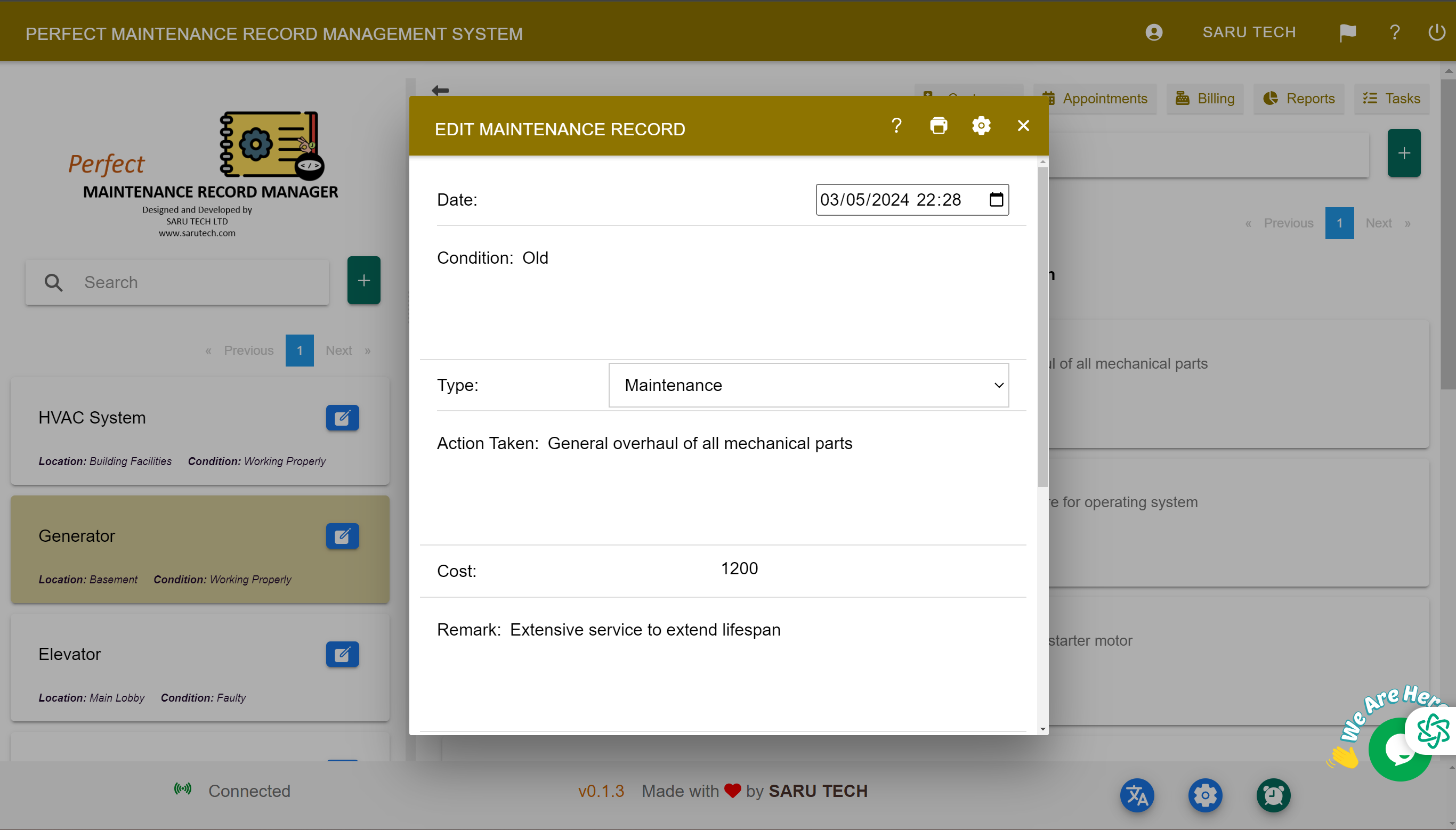
Create the request
- From the Maintenance page, select New Maintenance.
- Choose the customer, facility, and asset connected to the problem.
- Enter a short title and a specific description of what is wrong, where it is occurring, and when it was noticed.
- Set the request date, priority, status, assigned person, and any additional required fields.
- Add photographs of the fault and attach reports, videos, or other supporting files.
- Review the information and select Save.
Write a useful description
Describe observable symptoms instead of guessing the cause. “Boiler loses pressure within two hours and displays error E12” is more useful than “Boiler broken”. Include access limitations, safety risks, and any temporary action already taken.
Track the job
The saved request appears in the maintenance list. Use search, sorting, and status filters to find it later. Open the request to update its assignment, priority, dates, details, quotation, invoice, files, or comments.
Change the status as work progresses. Your organisation may use stages such as Pending, Commissioned, In Progress, Completed, or Cancelled. The exact status should describe the current state—not the expected state.