
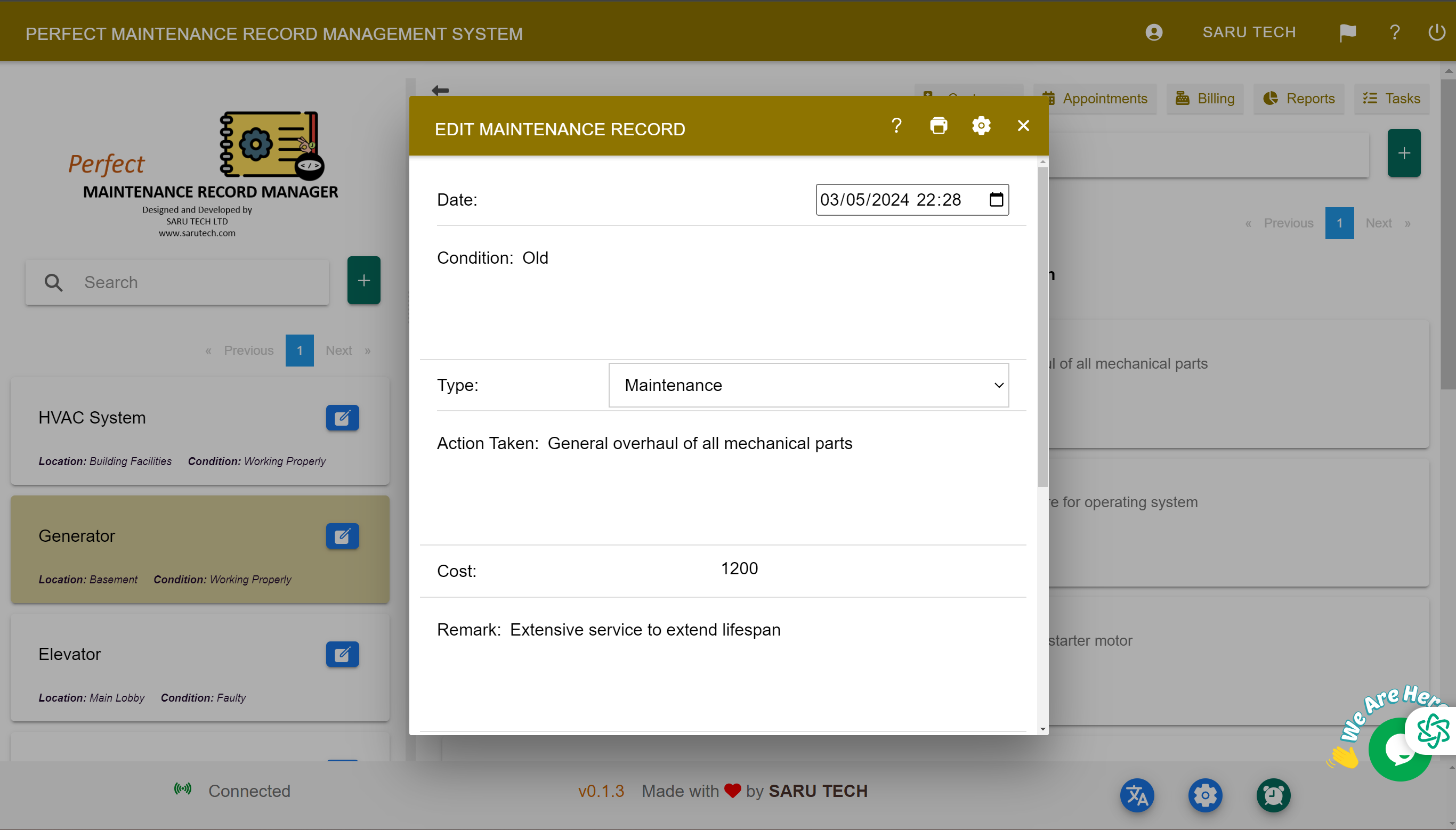
Build a complete job history with visual evidence, formal documents, and concise progress updates attached to the relevant record.
Images, files, and comments keep evidence and communication attached to the customer, asset, or job where they belong. This creates a shared history for staff, customers, and contractors.
Add useful images
- Take a wider image showing where the asset or fault is located.
- Add a close-up showing the actual problem or identification plate.
- Use before-and-after images when confirming completed work.
- Avoid uploading unrelated photographs to the job record.
Attach formal documents
Open the relevant record and use its Files area to add documents. Use meaningful file names, such as “Boiler B-02 inspection report – July 2026”, so users can recognise a file without opening it.
Use comments for the working history
Comments are ideal for short, dated updates such as “Contractor requested access after 2 pm”, “Customer approved the revised scope”, or “Replacement pump installed and tested”. Keep comments factual and clear enough for another team member to understand.