
Learn what the system does, how its main areas connect, and the complete workflow from registering a customer to receiving final payment.
The Perfect Asset & Maintenance Management System gives maintenance teams one organised place to manage customers, facilities, assets, reactive and preventive work, contractors, quotations, invoices, payments, inventory, and performance reports.
Instead of keeping work orders, contractor messages, photographs, spreadsheets, and invoices in separate places, the system connects them to the same customer, location, asset, and maintenance record.
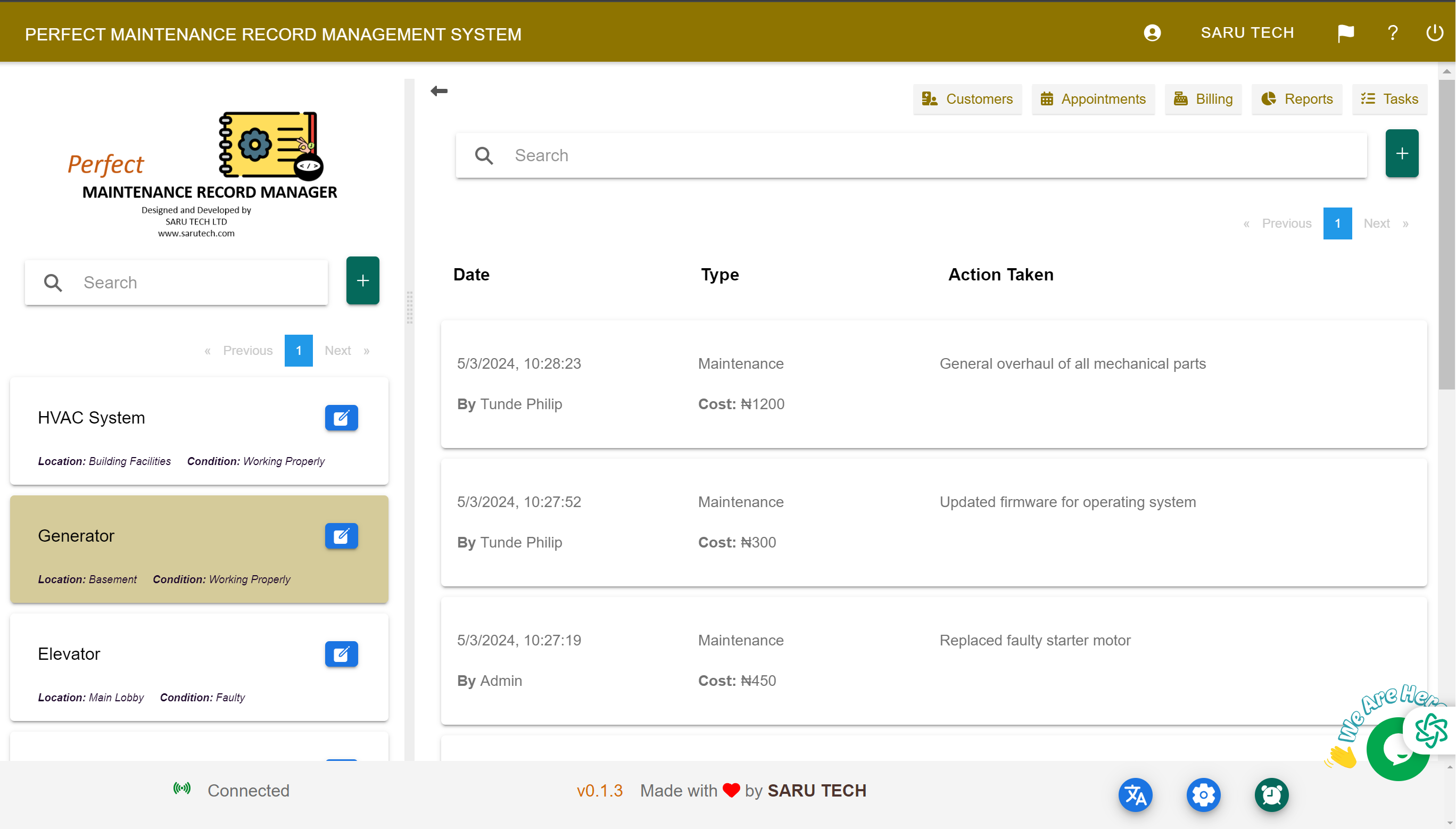
How the main page is organised
The top navigation provides access to Customers, Facilities, Assets, Contractors, Services, Tasks, Income, Sales, Expenses, Quotations, Inventory, Schedule, Reports, and Email Templates. On the Maintenance page, the left panel lets you switch between Customers, Assets, Scheduled Maintenance, and Tasks.
The central list shows maintenance requests for the selected customer or asset. Search, sorting, and status filters help you find the right job. The Print action can print the maintenance requests for the selected asset. Select a maintenance record to open its details, quotations, invoice, files, and comments.
The connected workflow
- Register the customer and their contact and billing information.
- Add facilities such as buildings, branches, sites, or properties.
- Register assets at each facility and attach identifying information.
- Log or schedule maintenance and keep the job status current.
- Request contractor quotations, compare responses, and approve the right option.
- Create the invoice or expense, add bill items, and record payments.
- Review reports to understand work, costs, income, and outstanding balances.